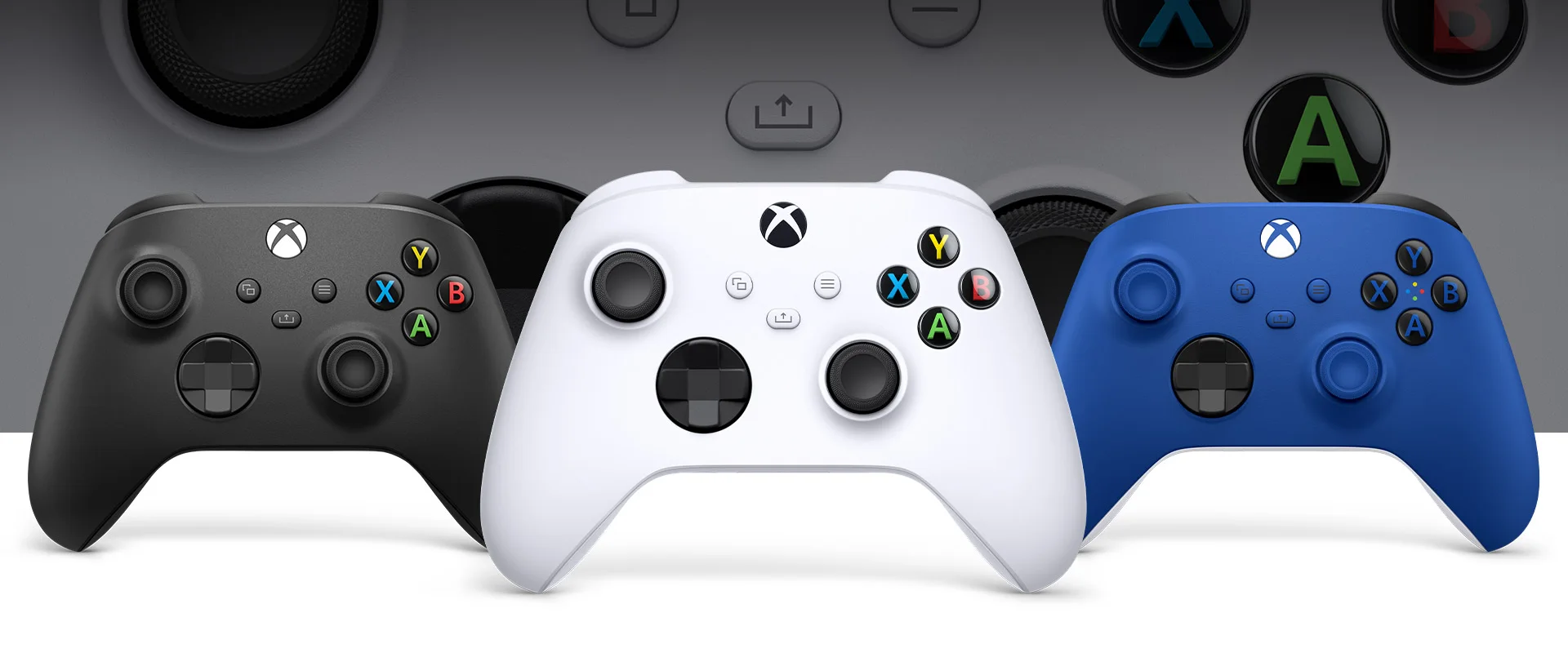
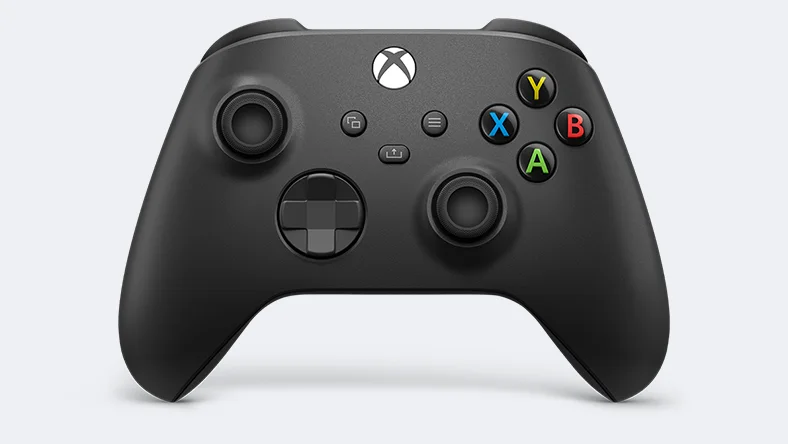
The Xbox Wireless Controller has been Microsoft’s standard controller since the launch of the Xbox Series X|S and is also one of the most popular gamepads on PC. We looked at the current Carbon Black version and explain what the controller can do and where it trails the competition.
- Design and ergonomics
- D-pad, sticks and triggers on the Xbox Wireless Controller
- Connectivity and power
- Who is the controller for?
- Price and alternatives
- Verdict
Design and ergonomics
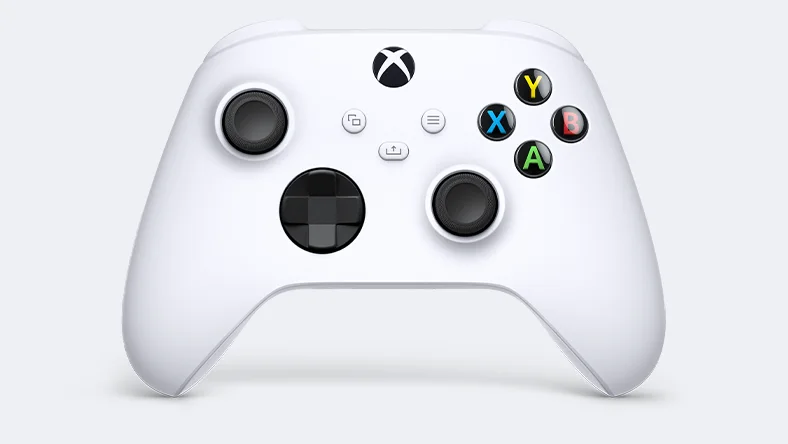
Microsoft only gently refined the proven shape. The controller became slightly more compact and therefore fits smaller hands well too. Grips, triggers and bumpers are textured and provide a secure hold, even during longer sessions.
New is the Share button in the middle for capturing screenshots and clips directly. However, it is not ideally placed and a bit fiddly to reach with your thumb.
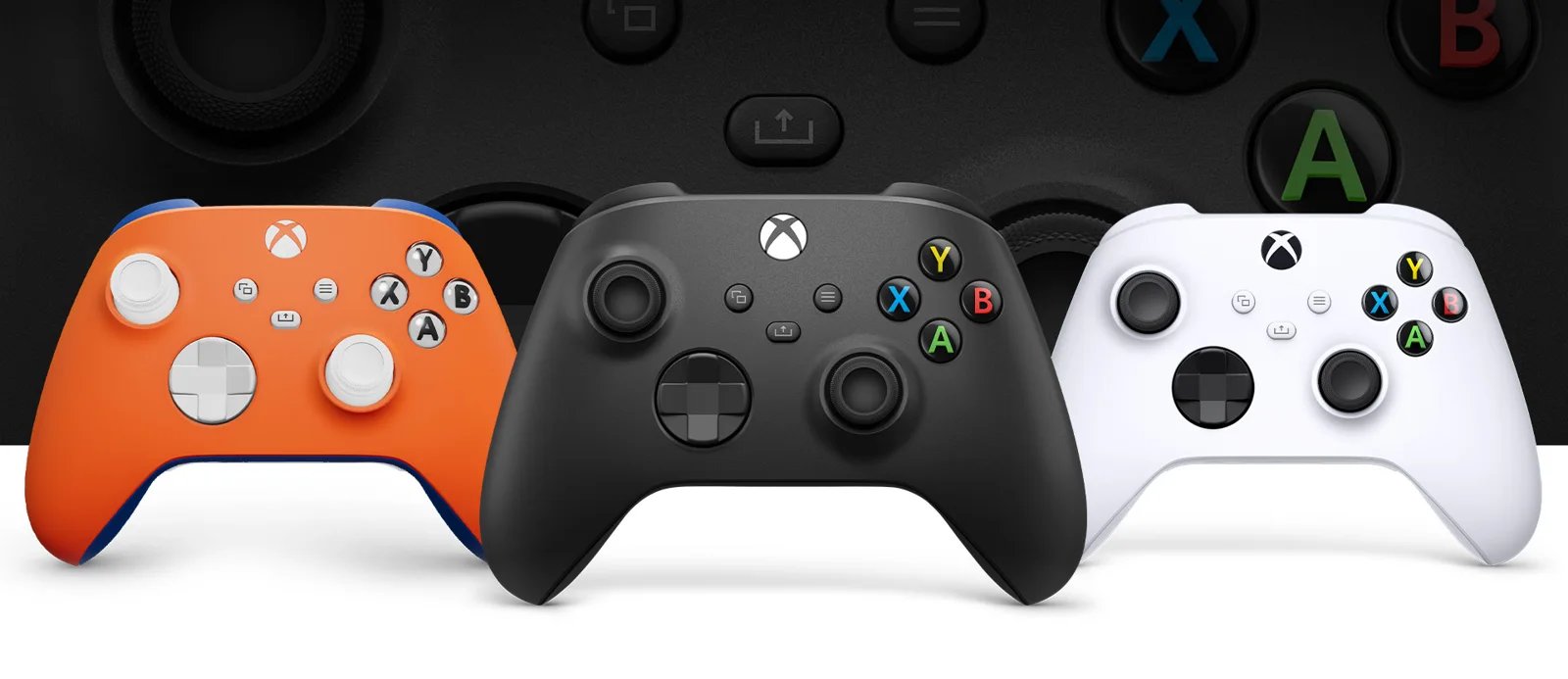
D-pad, sticks and triggers on the Xbox Wireless Controller
The hybrid D-pad is a clear improvement over the previous model. It clicks precisely and works well for fighting games and platformers. Sticks and triggers are accurate and reliable.
There are no haptic extras such as adaptive triggers, but you do get the familiar impulse triggers with vibration. Buttons can be remapped in the Xbox Accessories app.
Connectivity and power
With Xbox Wireless and Bluetooth, the gamepad connects to Xbox Series X|S, Xbox One, Windows PCs, Android and iOS. It also works wired via USB-C. Power still comes from two AA batteries, good for up to 40 hours according to Microsoft. A rechargeable pack is sold separately.
Who is the controller for?
The gamepad suits Xbox players who need a second controller and anyone who wants a hassle-free solution on PC. If you want back buttons, swappable sticks or a built-in battery, go for the Elite series.
Price and alternatives
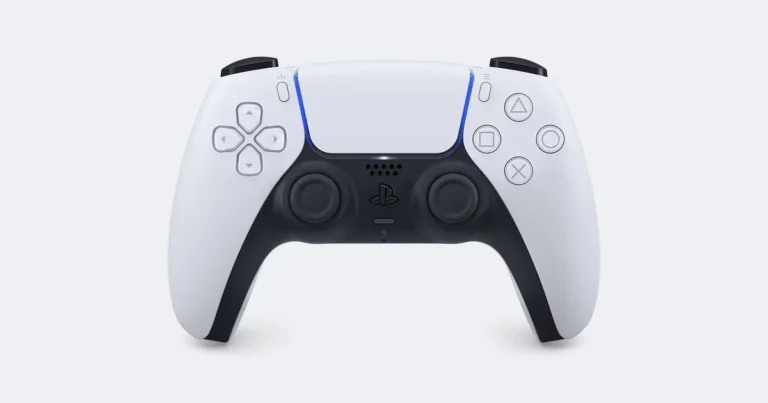
Microsoft lists an RRP of €64.99. On Amazon the Carbon Black version cost only €44.99 at the time of our price check on 14 Nov 2026. If you play on PS5, choose the Sony DualSense with adaptive triggers.
Verdict
The Xbox gamepad is comfortable, precise and extremely versatile. The AA batteries and the Share button are minor blemishes. We give it 84 percent.
All technical details are on the official Xbox product page. You can find more models in our Controllers category and on the PlayInsider tech hub.